
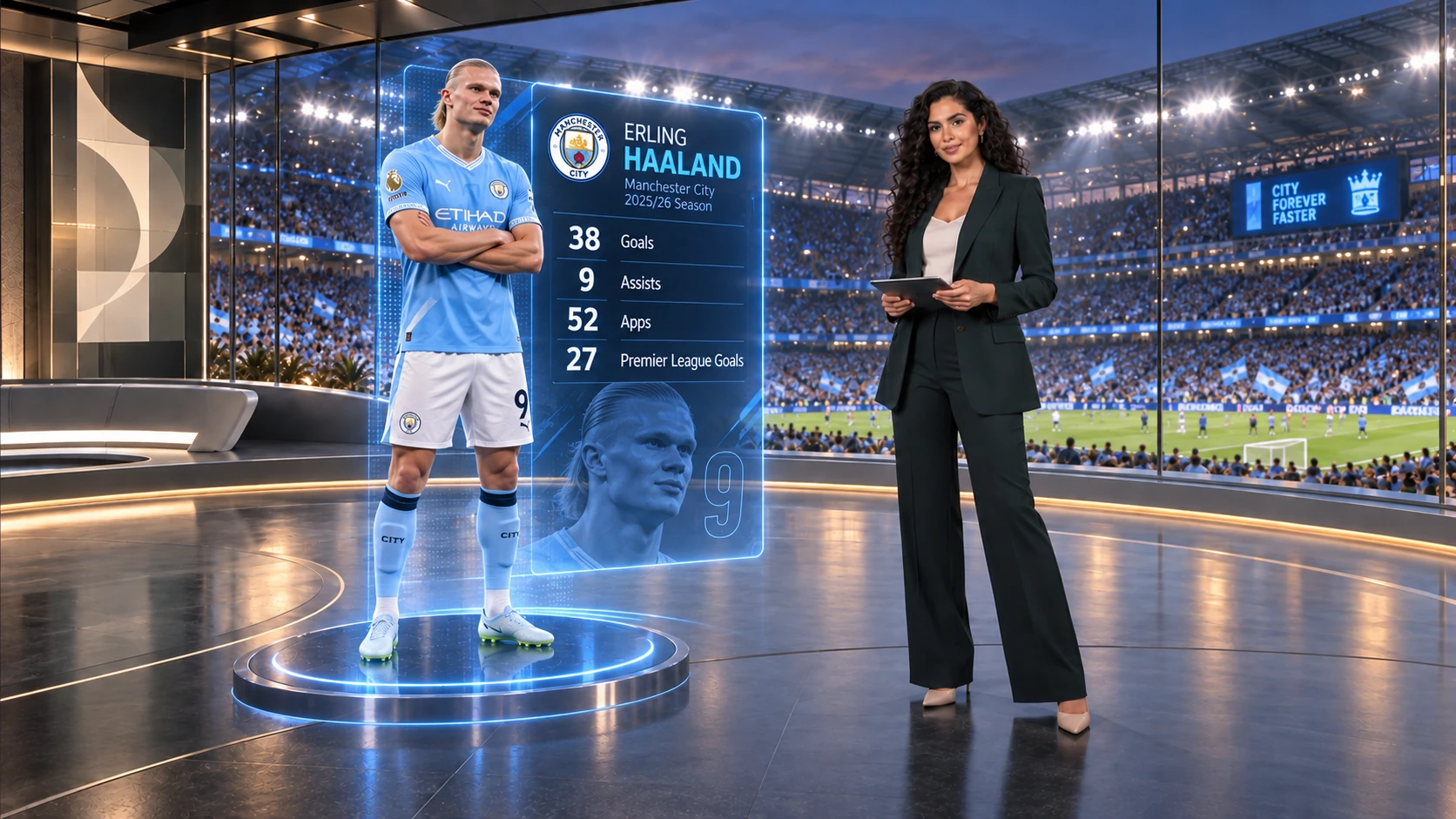
Sports Broadcast
Dynamic AR graphics integrated seamlessly on air.
Volumetric 3D player telemetry rendered with realistic environmental lighting and real-time shadows.
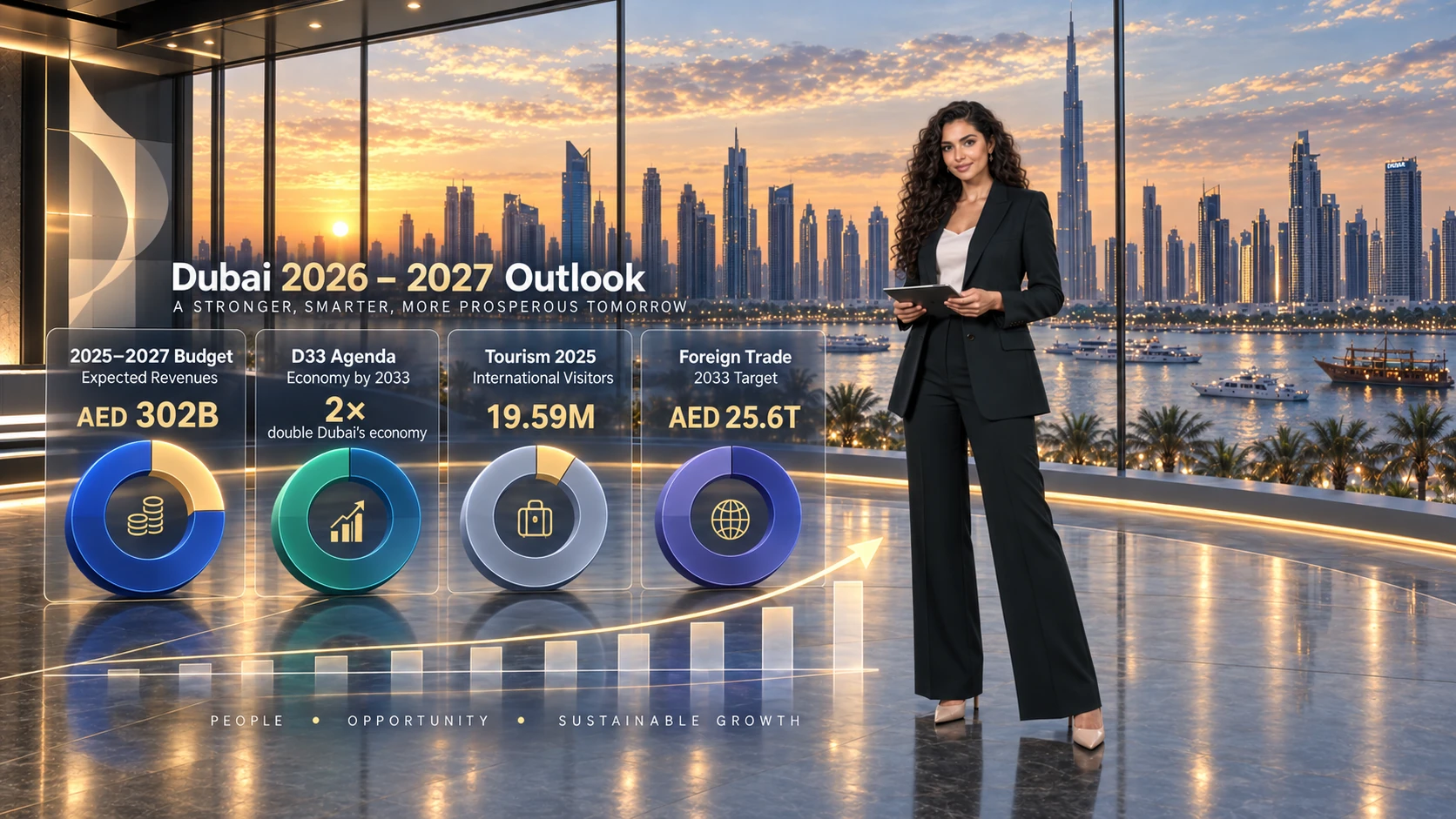
Financial Newsroom
Same live capture, transformed instantly for business news.
Dynamic photorealistic cityscapes, real-time data overlays, and responsive spatial illumination.
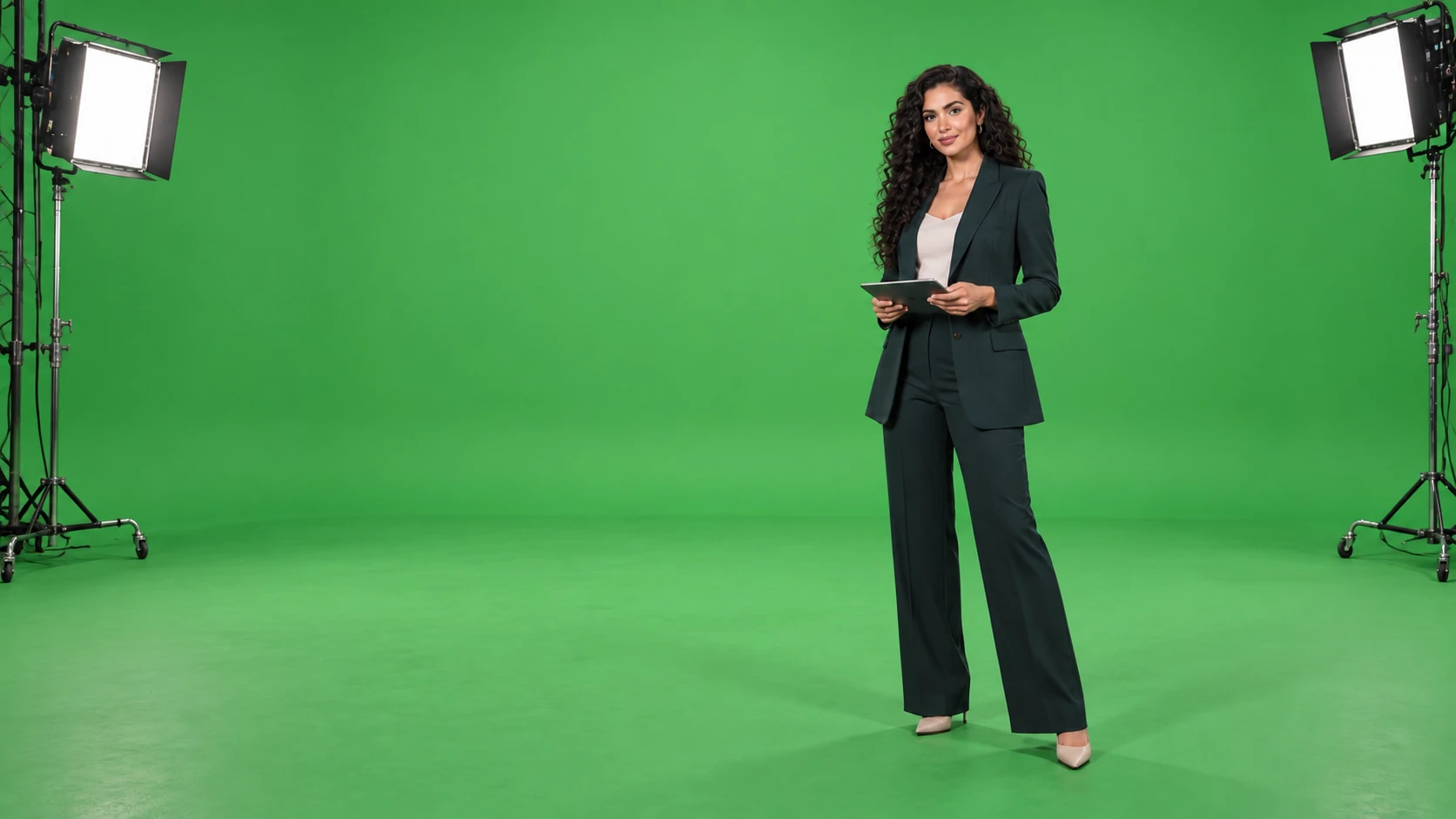
Camera Ingest
Raw studio capture at the source.
Clean camera feed captured on chroma key, primed for instant real-time extraction.
Solutions | Virtual Studios
One physical studio. Limitless broadcast environments.
Transform a single green-screen stage into a flagship newsroom, a dynamic sports desk, or an intimate interview lounge. Switch sets, camera angles, and lighting instantly in software – without altering physical floor space.
Sports Broadcast
Same live capture, transformed for prime-time sports.
The presenter never leaves the green-screen stage. The high-end sports desk, volumetric 3D player model, and live telemetry are rendered dynamically in the cloud, perfectly matched to studio illumination.
The Viewer Experience
A cohesive, photorealistic broadcast environment where the presenter interacts naturally with virtual lighting, cast shadows, and contextual 3D data graphics.
Director Control
Master control over 3D scenes, camera tracking views, graphics triggers, dynamic audio, and playout – enhanced by conversational AI for instant scene adjustments.
On-Site Footprint
Just cameras, clean lighting, a green backdrop, and internet connectivity. All intensive graphics processing and compositing happen in the cloud.
Underlying Controls3D Scene & Signal RoutingMulti-Channel AudioRundown & PlayoutThe Technology of Real-Time Keying
Bring your talent. We provide the virtual studio.
Schedule an interactive chroma demonstration tailored with the exact virtual sets and graphics your show requires.