
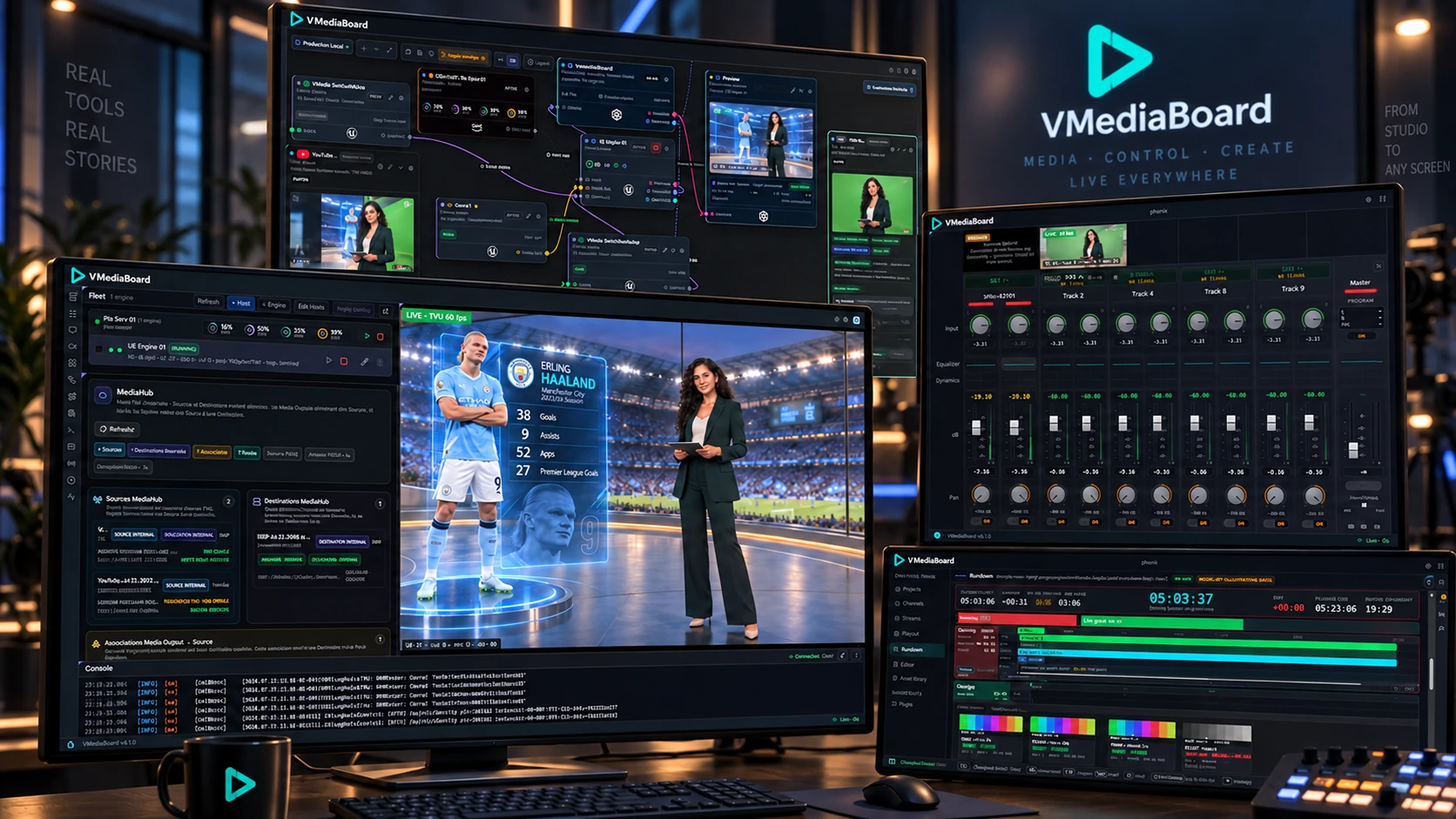
VMediaBoard | Media as a Service
Cloud Virtual Production. Broadcast-Grade.
A unified browser workspace integrating live field feeds, real-time rendering, and proactive AI control.
Zero on-premise rendering hardware
Unleash scalable cloud GPUs dynamically provisioned for your broadcast. Keep your cameras, audio, and talent on set – let the cloud handle the heavy rendering.
A unified master control interface
Seamlessly integrate live contribution, spatial routing, audio processing, and rundown scheduling within one ergonomic dashboard – enabling lean, single-operator telecasts.
An intelligent copilot at your fingertips
Use natural language prompts to manipulate 3D sets, recalibrate controls, or troubleshoot packet loss and stream drops in real time. Full switching authority stays under your control.
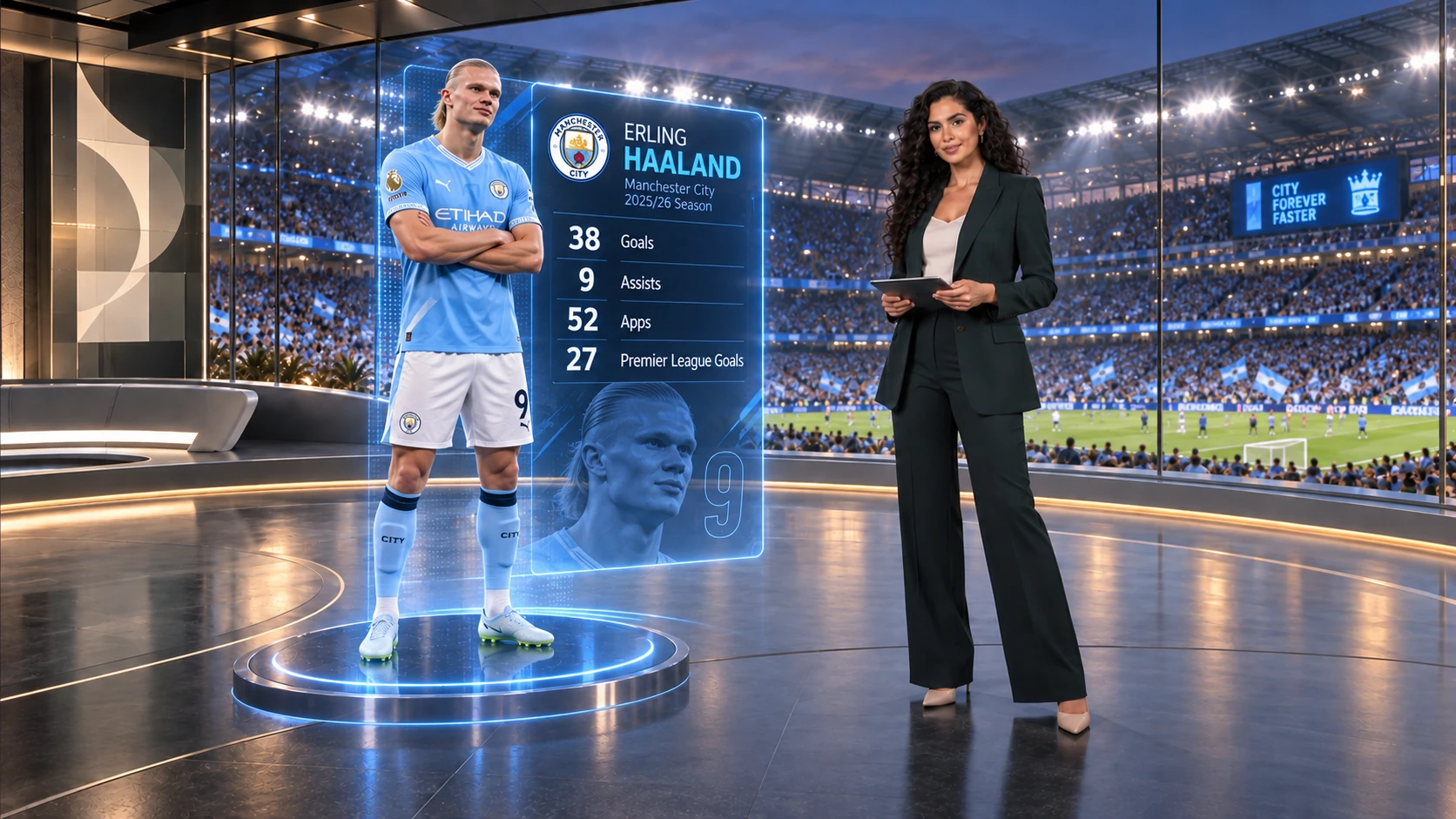
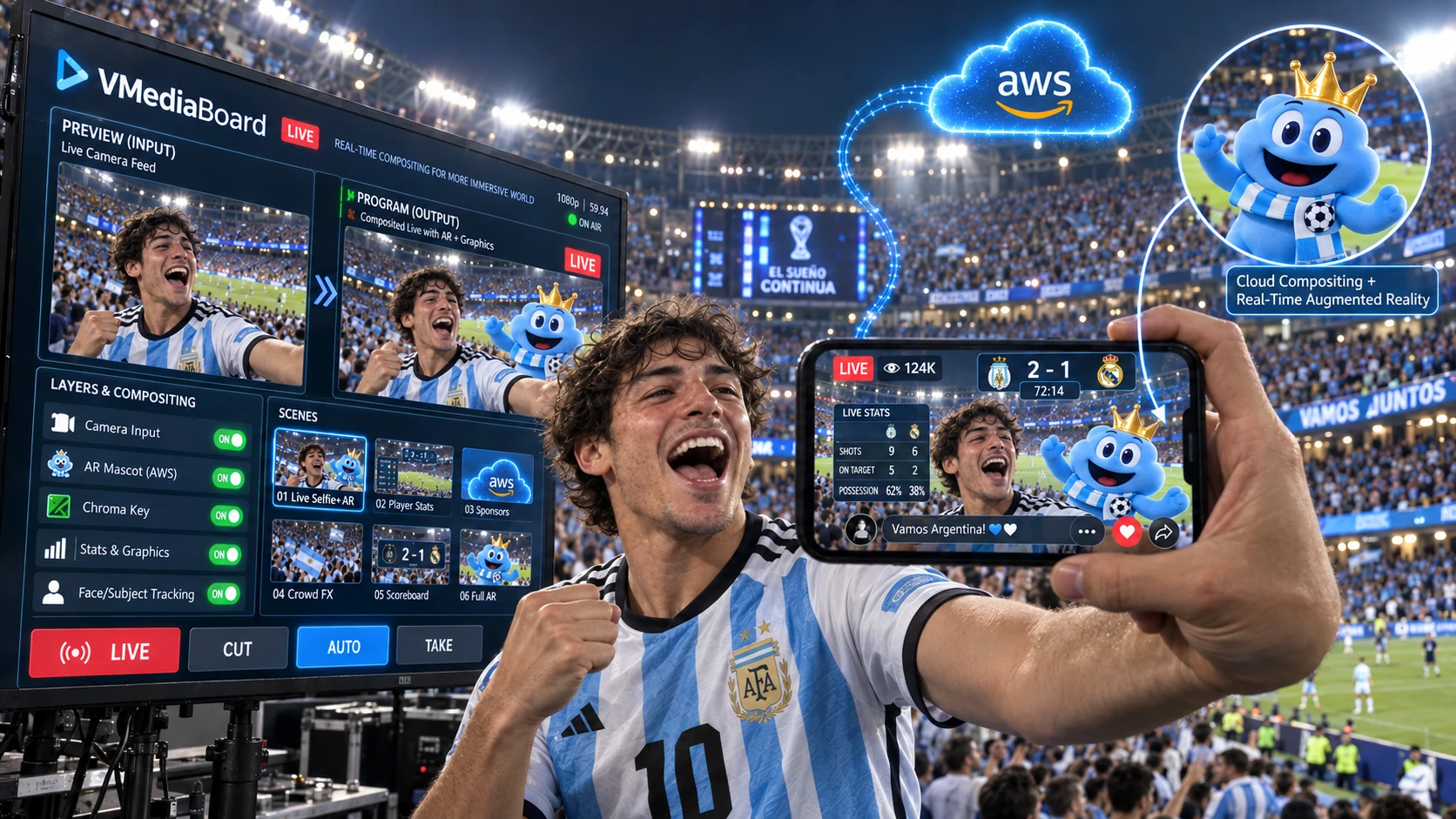
Sports Broadcast
Dynamic AR graphics integrated seamlessly on air.
Volumetric 3D player telemetry rendered with realistic environmental lighting and real-time shadows.
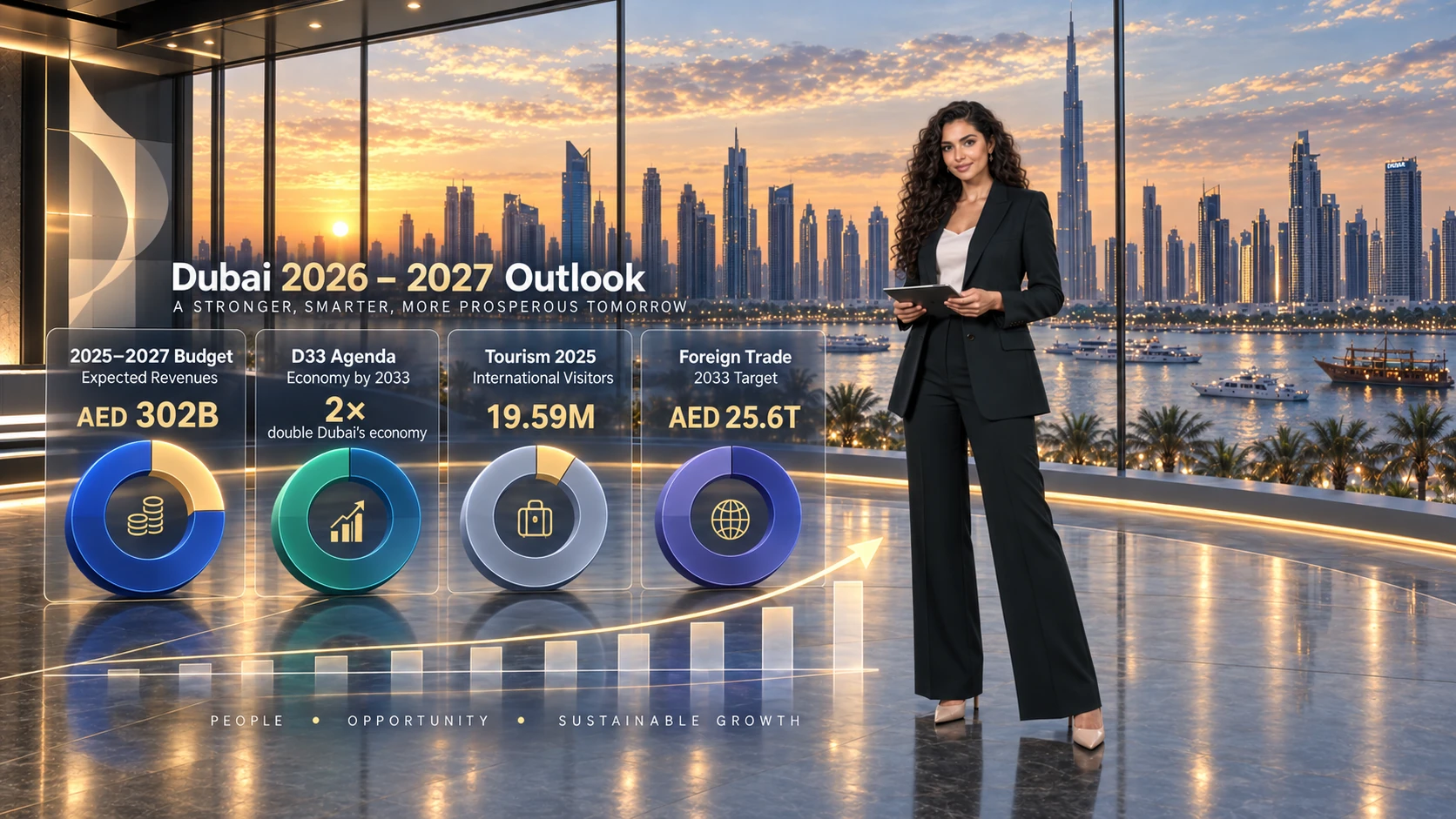
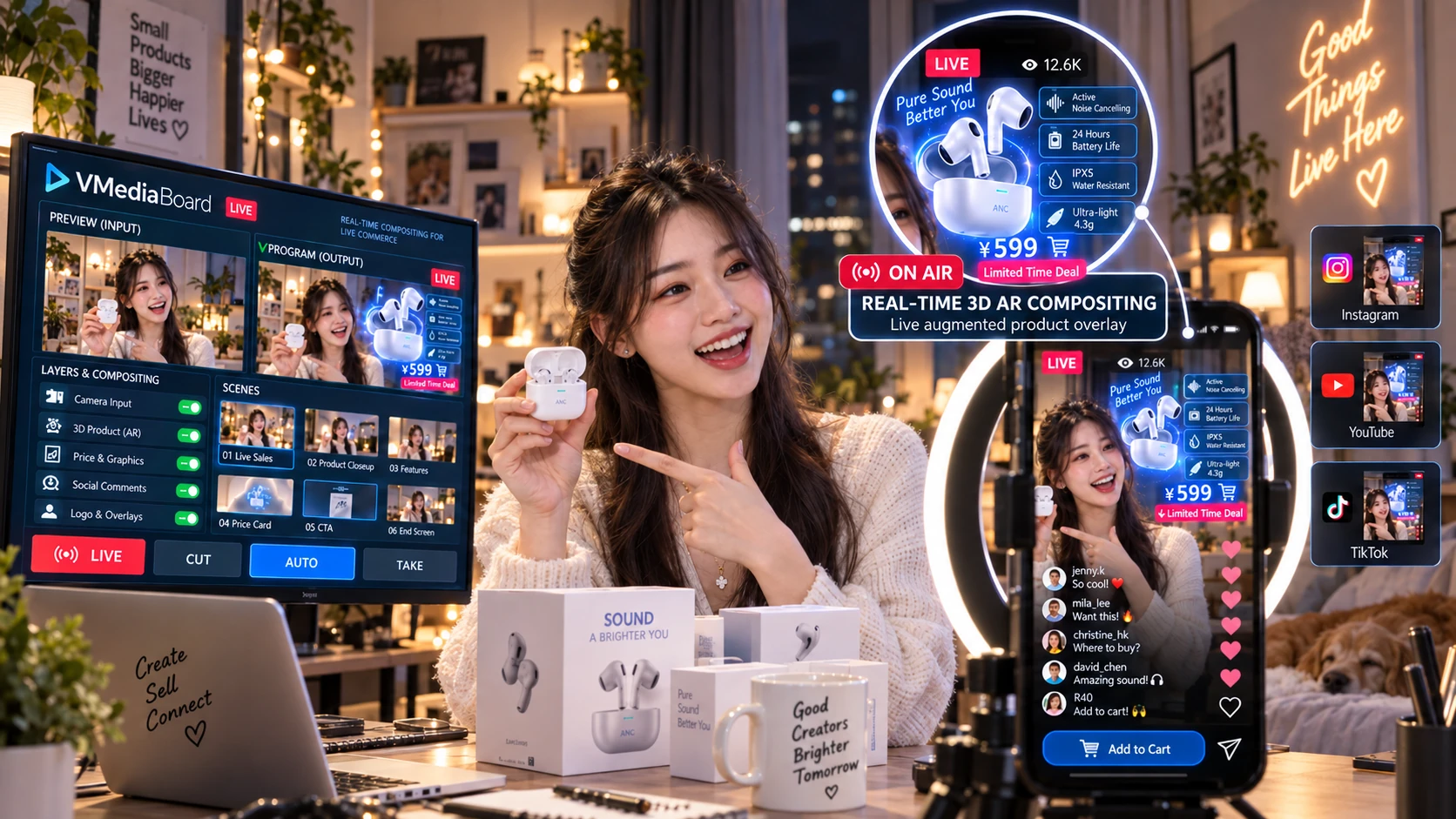
Financial Newsroom
Same live capture, transformed instantly for business news.
Dynamic photorealistic cityscapes, real-time data overlays, and responsive spatial illumination.
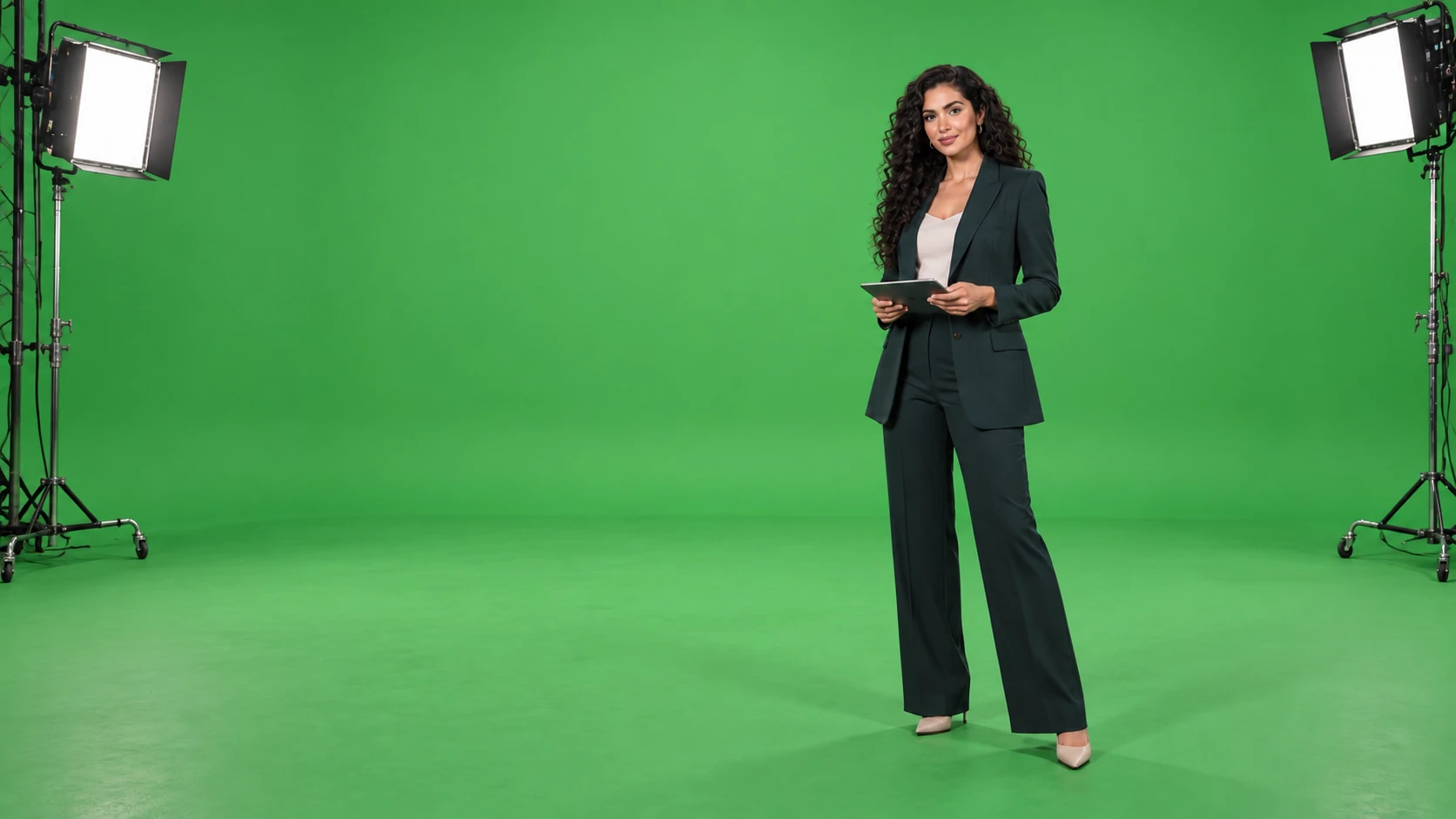
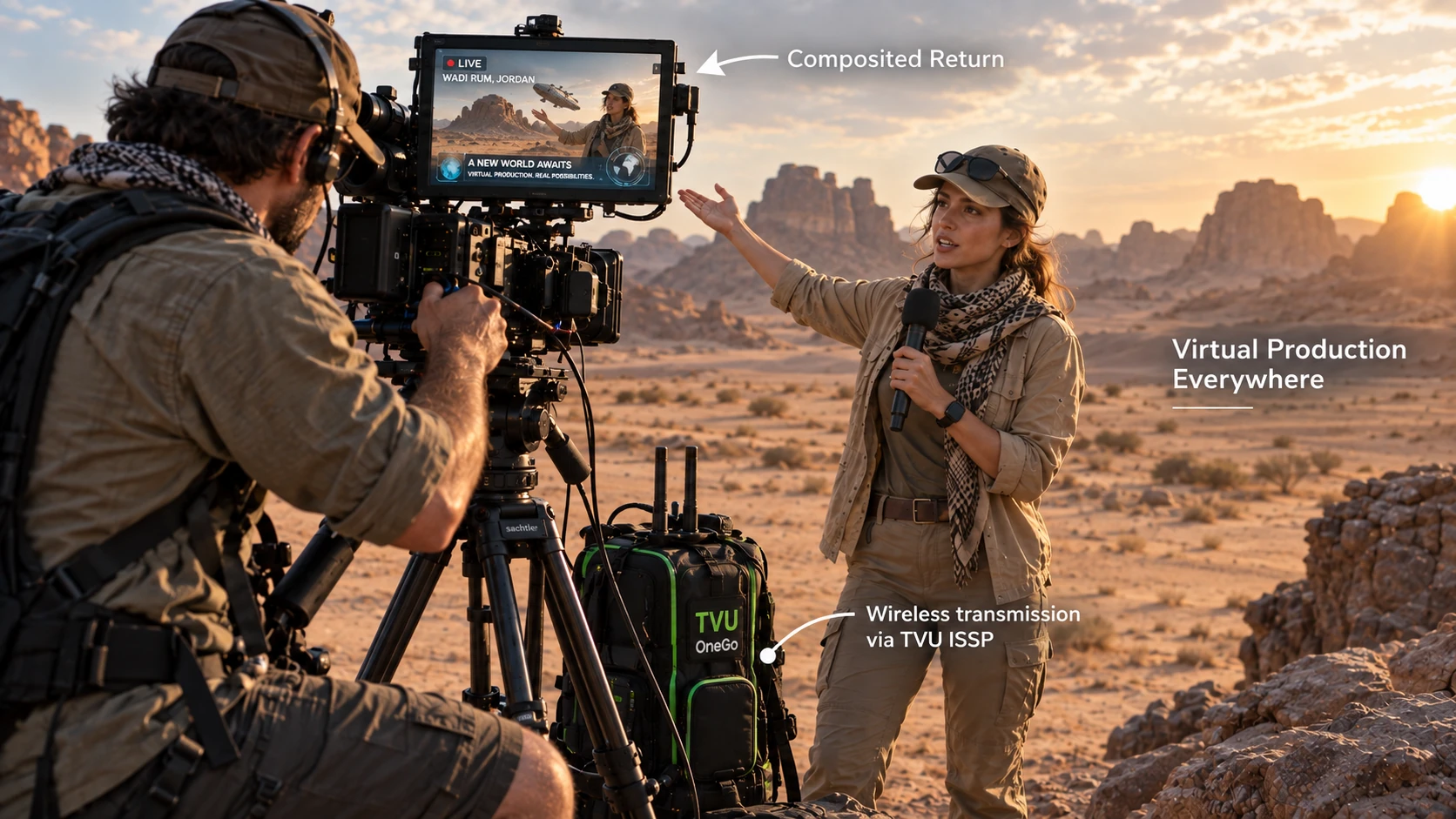
Camera Ingest
Raw studio capture at the source.
Clean camera feed captured on chroma key, primed for instant real-time extraction.
Single physical stage. Limitless premium studios.
Switch from prime-time sports analysis to a financial newsroom in a fraction of a second. Zero physical studio reconfiguration required.
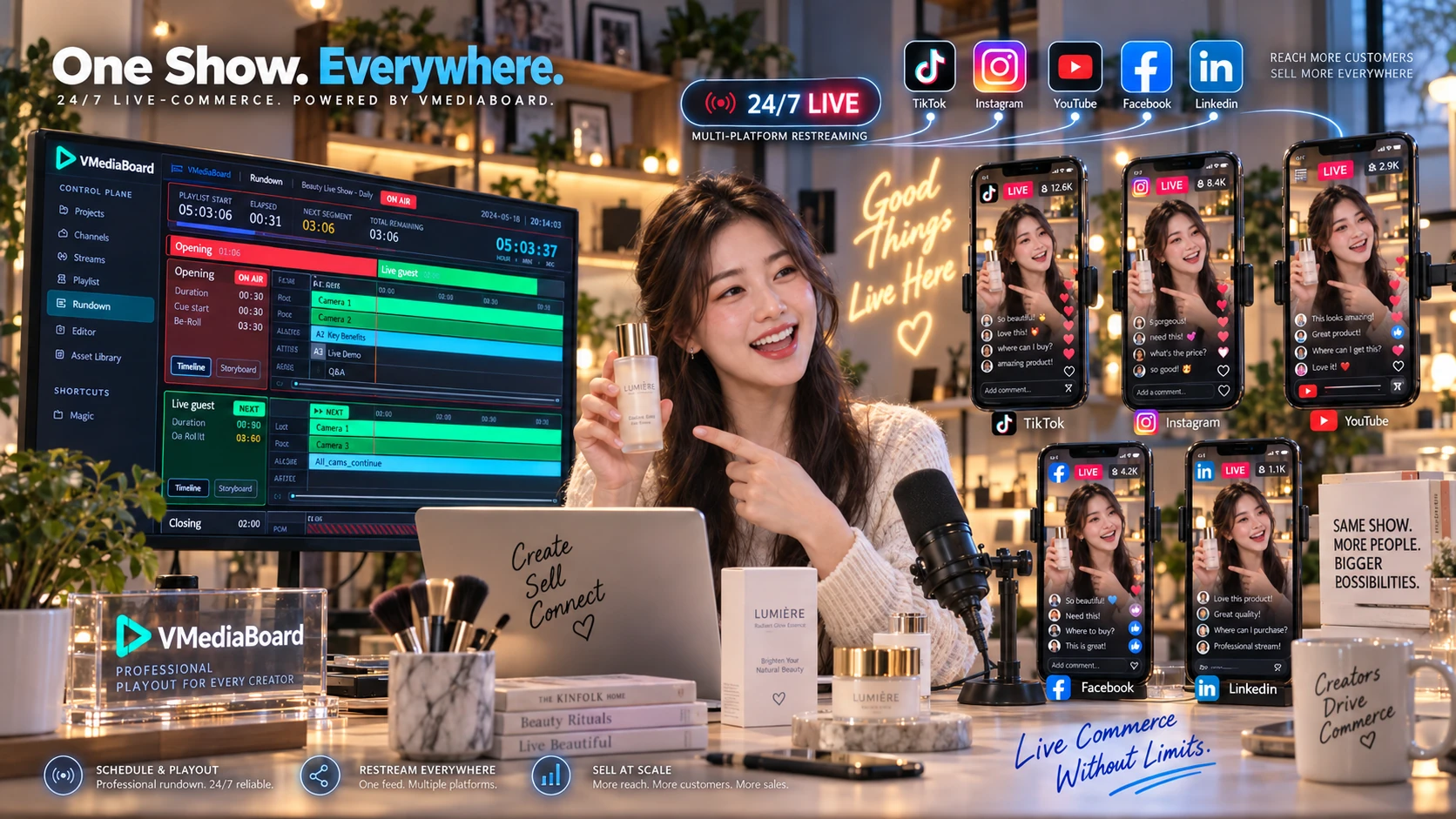
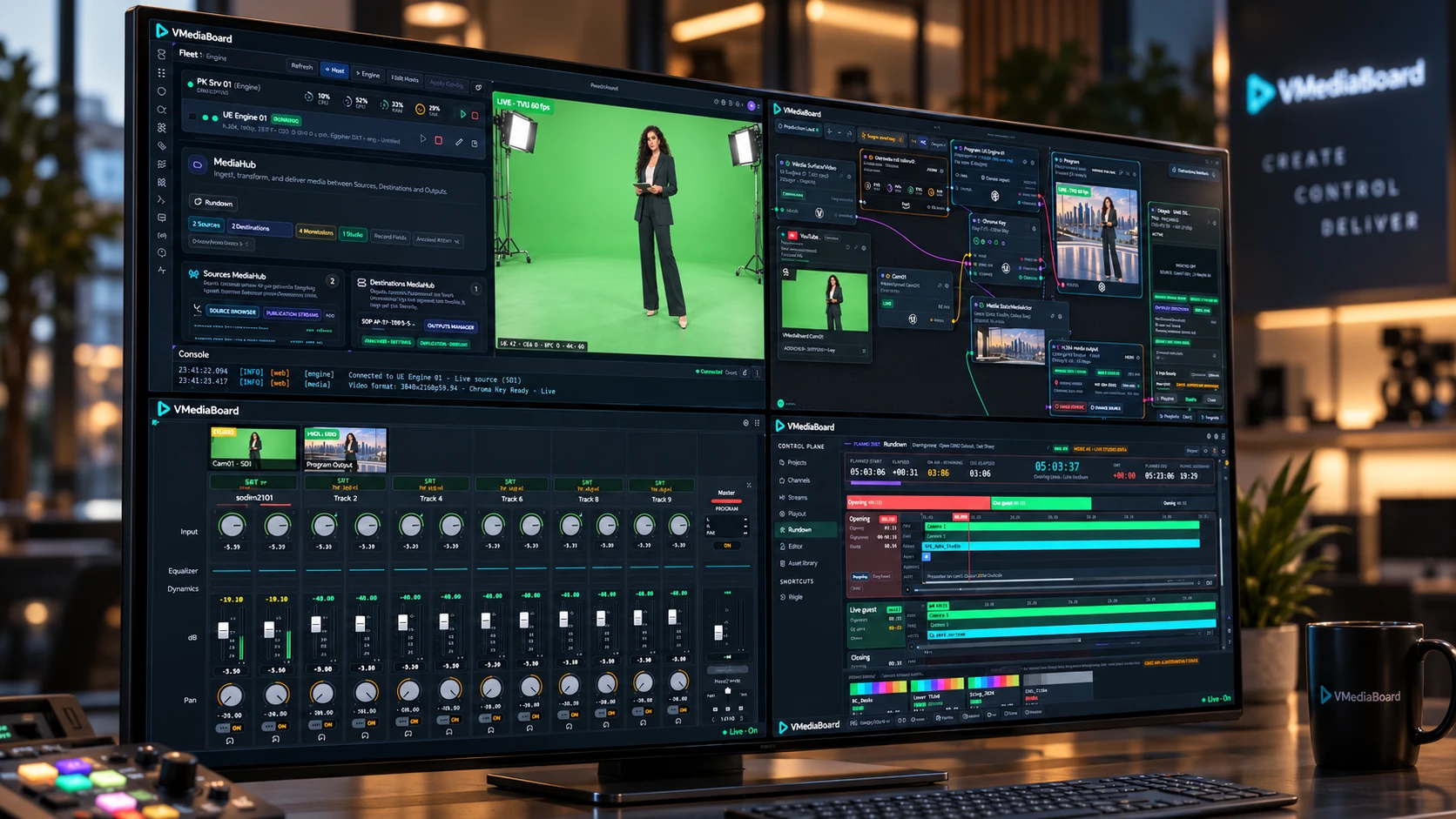
Inside Master Control
Four unified modules. One or multiple screens.
Feed Ingest, Spatial Routing, Audio Processing, and Master Rundown. Discover how each workspace functions inside VMediaBoard with purpose-built broadcast ergonomics.
AI Copilot
AI-Driven Scene Staging and 3D Content Creation.
Build and modify 3D environments and Unreal Engine sets before going live, with proactive monitoring and alerting to secure the live broadcast pipeline.
- Virtual Set Staging Easily construct and adjust 3D graphics and environment assets pre-broadcast.
- Production Readiness Pre-stage camera tracking and verify chroma key setups instantly.
- Proactive Monitoring Instantly detect and alert on network anomalies and feed dropouts to secure the air.
- DirectorPlace the sponsor board behind the presenter, slightly offset to the left.
- CopilotPositioned Sponsor Board in the sports set (1.2m upstage, left offset). Staged in Preview. Program output remains untouched.
- DirectorWhy did Camera 2 freeze?
- CopilotThe SRT stream on port 42101 ceased sending frames 12 seconds ago. Please check the on-site encoder. Camera 1 remains stable; rundown can proceed without interruption.
The AI copilot stages with precision; the human operator holds final switching authority.
Built Upon Industry Standards
 Unreal Engine
 TVU Networks
 WebRTC
Core transport and rendering technologies integrated within VMediaBoard workflows. Trademarks and brand logos do not imply formal endorsement.
Bring your production challenge. We’ll show you the pipeline in action.
Experience a tailored live demo configured with your own cameras, 3D scenes, and distribution targets.